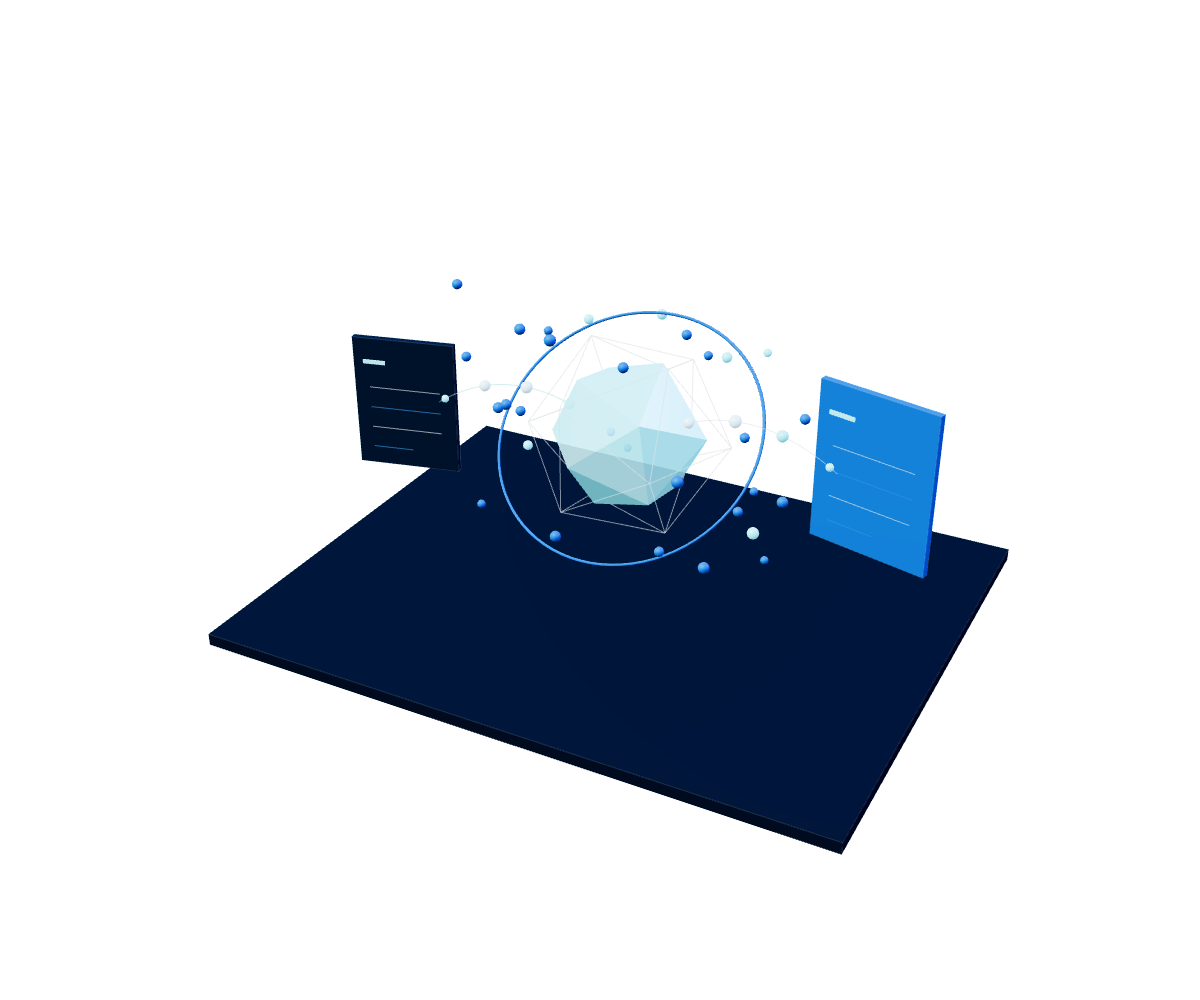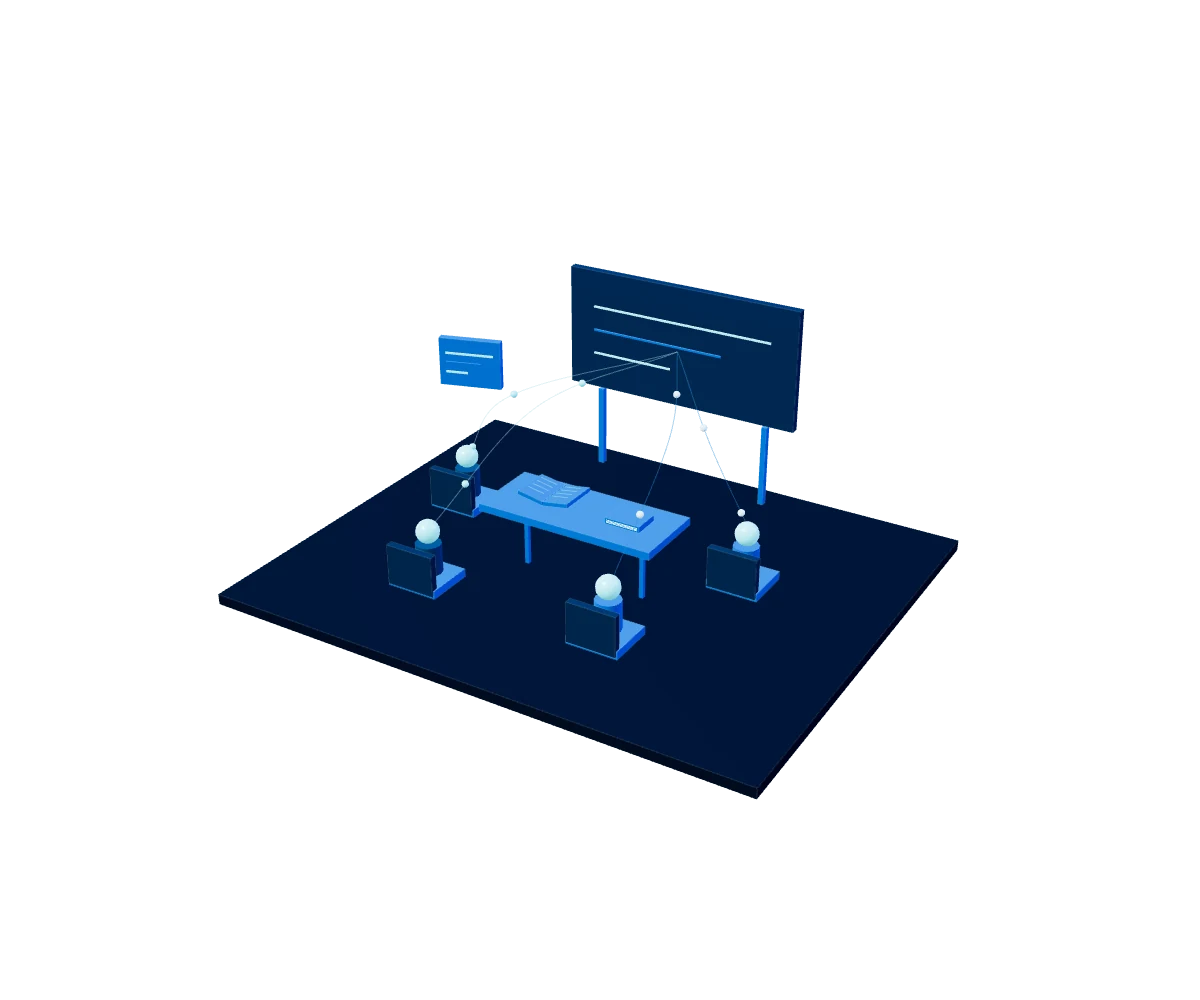
Organize the classroom experience
Classroom helps manage activities and materials in one environment. Teachers and students can keep coursework visible and connect the resources they need to teach and learn.

Google for Education
Connect teachers, students and administrative teams in a digital environment designed to facilitate collaboration, optimize management and protect your institution's information. At Servinformación we help you choose, implement and adopt the right solution based on your goals, users and security needs.
Explore Google for Education ↓Google Workspace for Education brings together communication, productivity and learning tools that let you work from anywhere, on any device. Beyond enabling applications, at Servinformación we design an environment aligned with your institution's operation to make administration easier, strengthen security and promote effective adoption.

How it works
we understand your goals, users, processes and technology environment.
we define the most suitable solution, configuration and roadmap.
we configure the environment and support the migration when applicable.
we support the rollout and effective use of the tools.
we identify opportunities to improve security, administration and adoption.
Classroom helps manage activities and materials in one environment. Teachers and students can keep coursework visible and connect the resources they need to teach and learn.
Docs, Slides, and other tools enable collaboration on shared content. Meet facilitates video meetings, connecting classroom activities with meetings, support, and collaboration among community members.
Workspace for Education editions offer different teaching, administration, and security capabilities. Review community needs and institutional requirements to select the appropriate features.
Google Workspace for Education brings together apps like Classroom, Meet, Gmail, Drive, Docs, Sheets, Slides and Calendar in one ecosystem. With these capabilities, your institution can:
The value of an educational platform does not depend only on its features. It also requires an orderly implementation, secure configuration and a plan that makes it easy to use.
We analyze your current situation, the number and type of users, academic processes and your institution's technology requirements.
We help you identify the edition and add-ons that fit your needs, without adding capabilities that don't generate value.
We prepare the environment, configure users, permissions and policies, and support the data migration when the project requires it.
We define access controls, administration criteria and best practices to protect information and reduce operational risks.
We support the responsible teams during rollout and as the solution evolves, to make better use of its capabilities.
Not all institutions have the same needs. Community size, the educational model, security requirements and management capabilities determine the best-fit solution. Availability, eligibility and licensing terms may vary. Our team will help you confirm the conditions that apply to your institution.
Offers essential collaboration, communication, teaching and administration tools at no cost for institutions that meet eligibility requirements.
Expands Education Fundamentals' capabilities with advanced security, control and analytics tools for institutions that need more visibility into their digital environment.
A premium add-on that brings additional features to enrich classes, video communication and teaching experiences. It can be assigned to specific users.
The most complete option for institutions looking to combine advanced security, analytics and premium teaching and learning features.
At Servinformación we connect technology with your institution's academic, administrative and operational goals.
Frequently asked questions
It is an ecosystem of communication, collaboration, productivity and administration tools designed for educational institutions.
No. Classroom is one of the tools included in the ecosystem. Google Workspace for Education also integrates communication, storage, collaboration and administration applications.
It depends on the number of users, security requirements, the academic features you need and the licensing model. Servinformación performs an assessment before recommending an option.
Yes. The scope depends on the current environment, the volume of information and the applications in use. Before migrating, dependencies, users and risks must be assessed.
Yes. We can support configuration, rollout, adoption, support and optimization of the environment according to the project's defined scope.
YOUR NEXT BIG PROJECT STARTS HERE
Do you have a data, cloud, AI or cybersecurity challenge?
Tell us and we'll suggest where to start.